
AiNotes — AI notes that answer your questions · Ask your notes and they answer
 AI
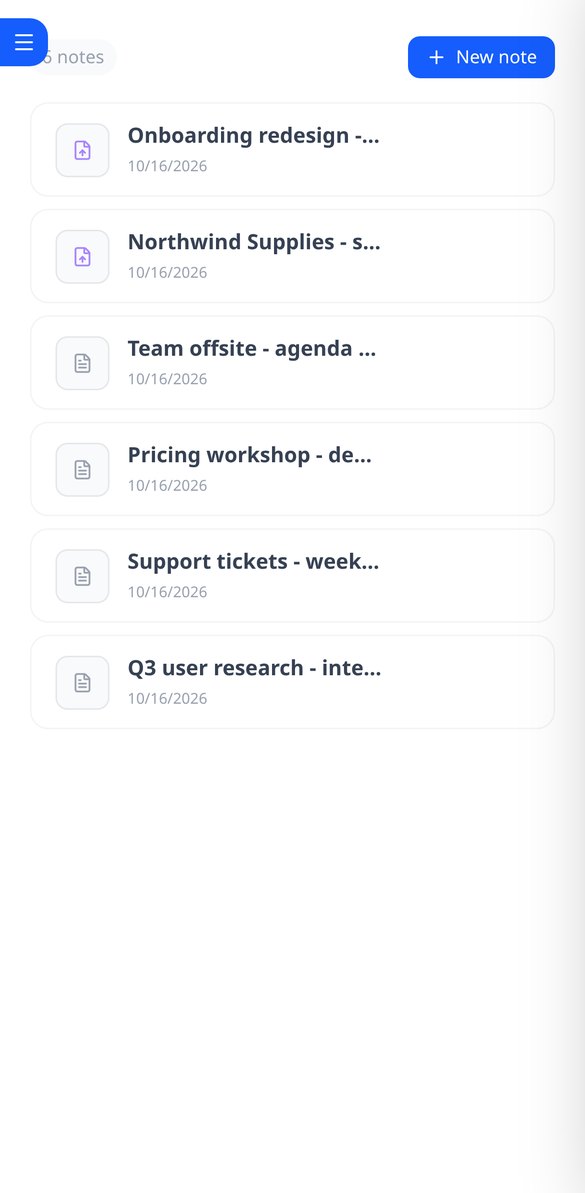
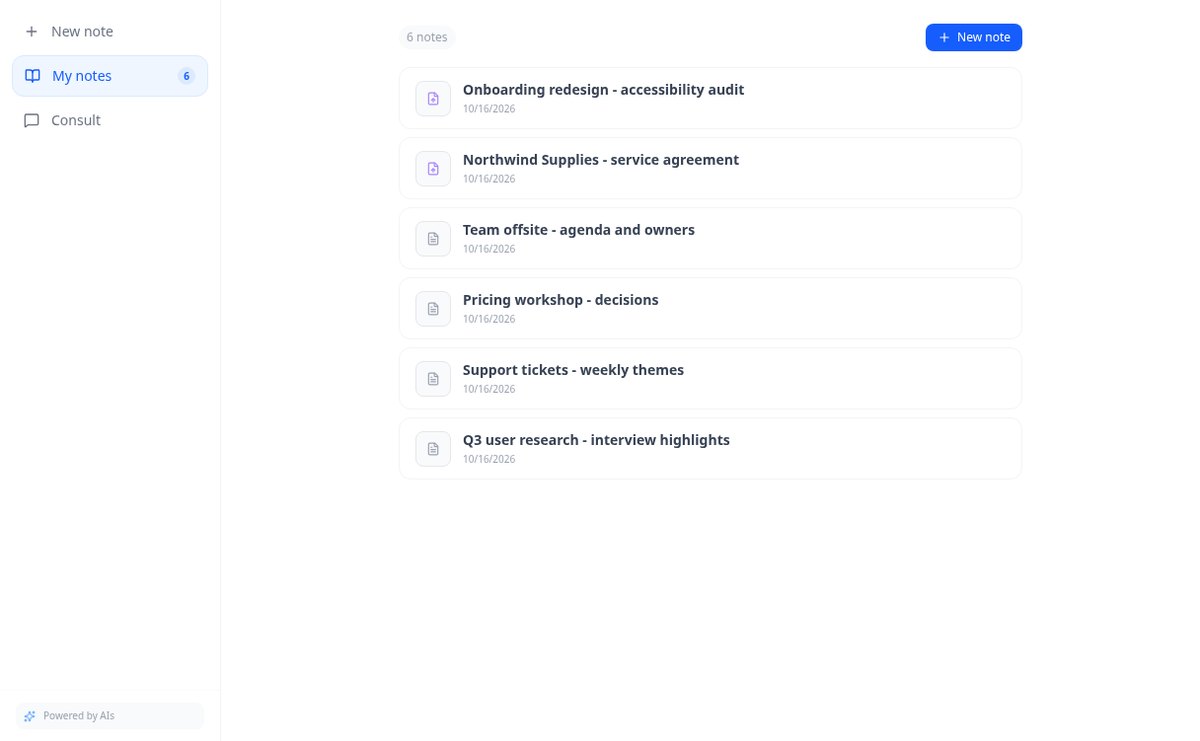
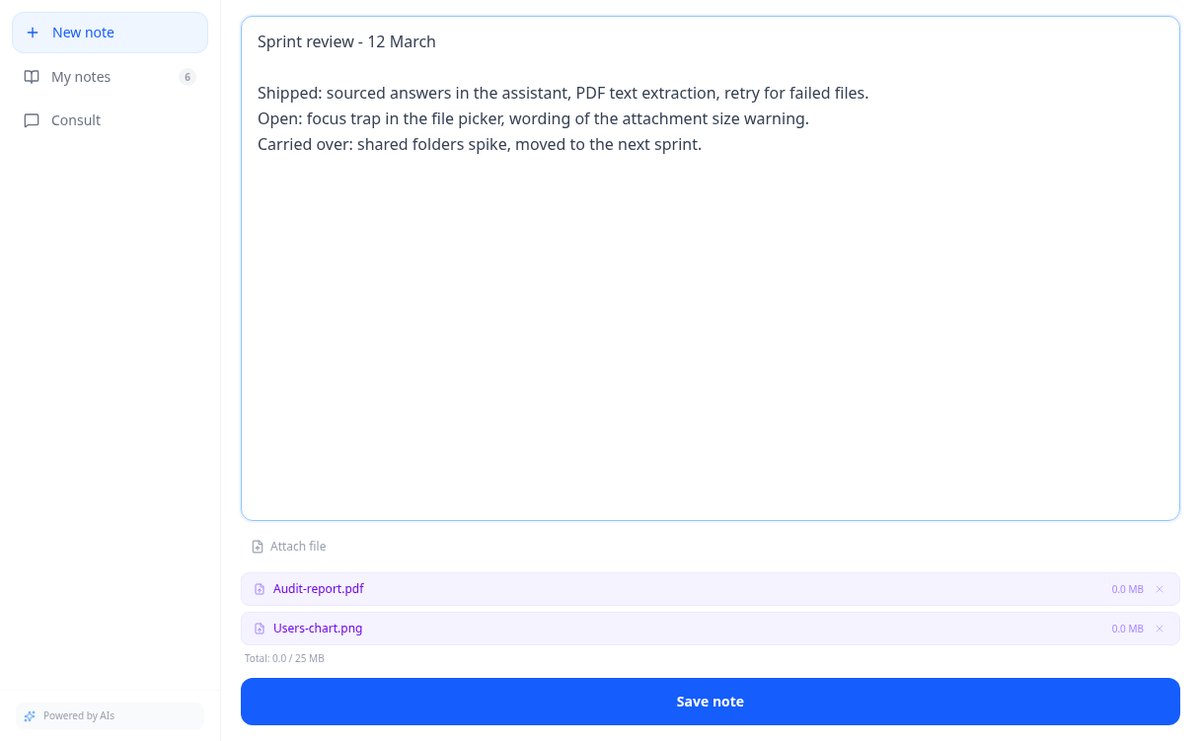
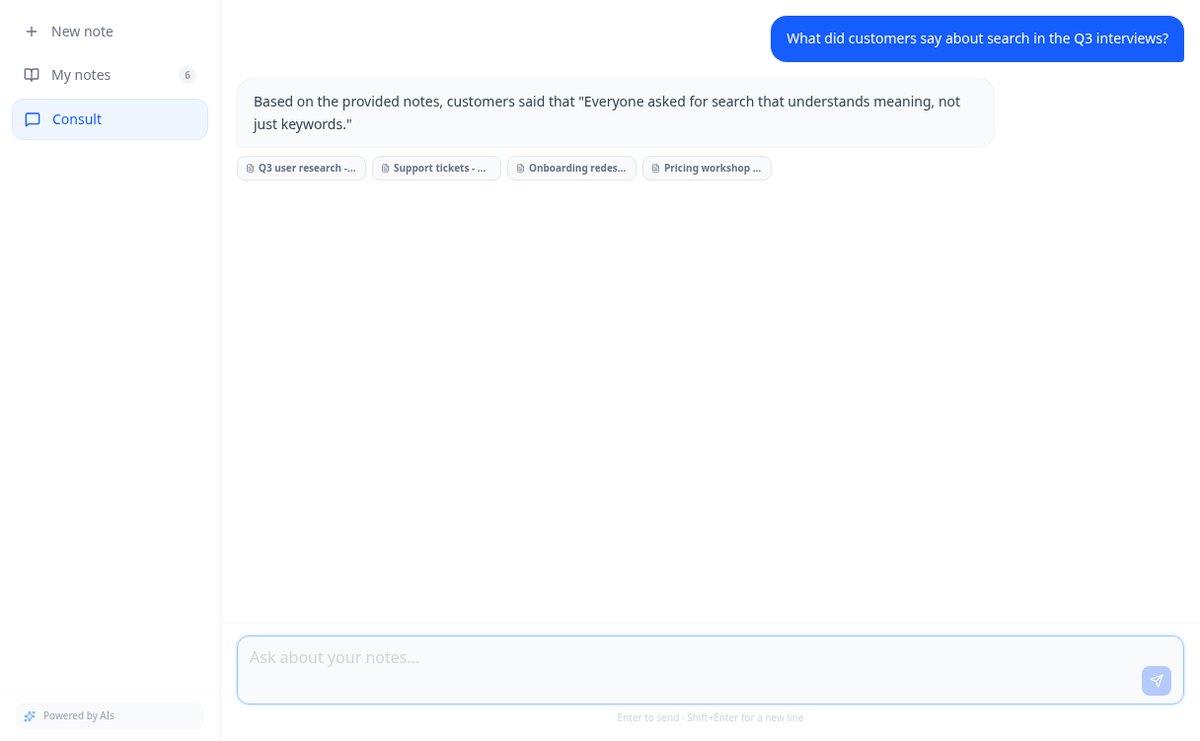
Save notes and attach PDFs and images to the same note. AiNotes reads everything and replies via chat, indicating which note each answer came from.
In the features that use AI, responses are generated by artificial intelligence and are not a substitute for professional advice.
旅行の計画に何十個ものタブを行き来して、結局合わなかった経験はありませんか?
AistoTripは、流行りのスポットのリストではなく、実際の時間、宿泊先から計算した移動、Google Placesで確認した各立ち寄り先を含む、日ごとのプランを提供します。閉まっている美術館の前で立ち尽くすことはありません。
Start for free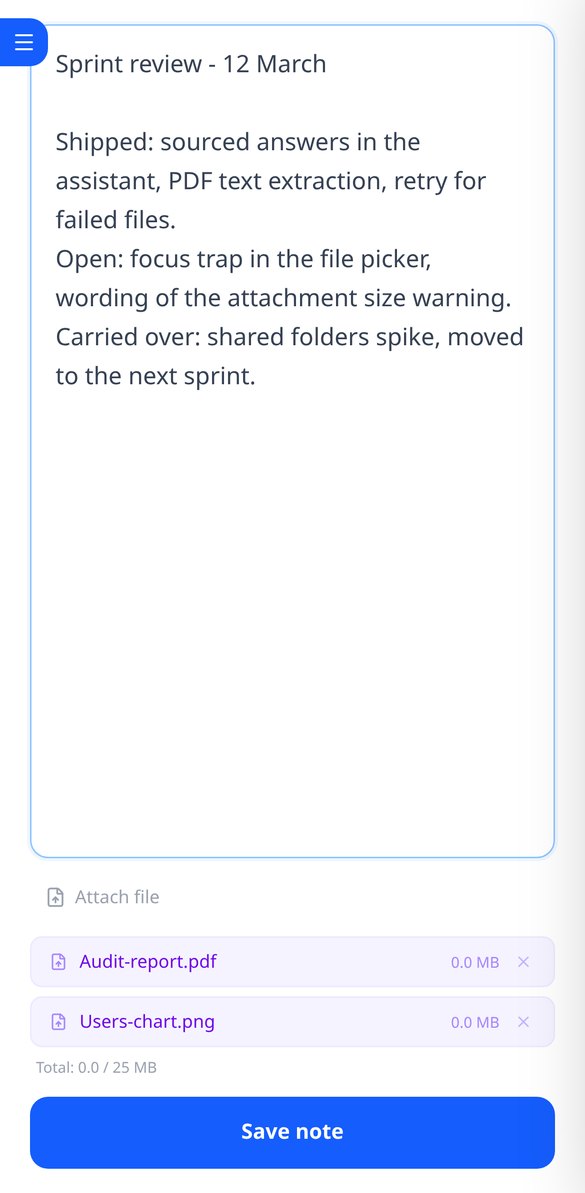
Discover every feature in detail

Online notebook for writing and editing free text | AiNotes
Write free text notes without templates and edit them whenever you want: AiNotes saves the content, generates the title automatically, and updates the index when corrected. Free.
View feature
Notes with attached PDFs and images, up to 25 MB per note | AiNotes
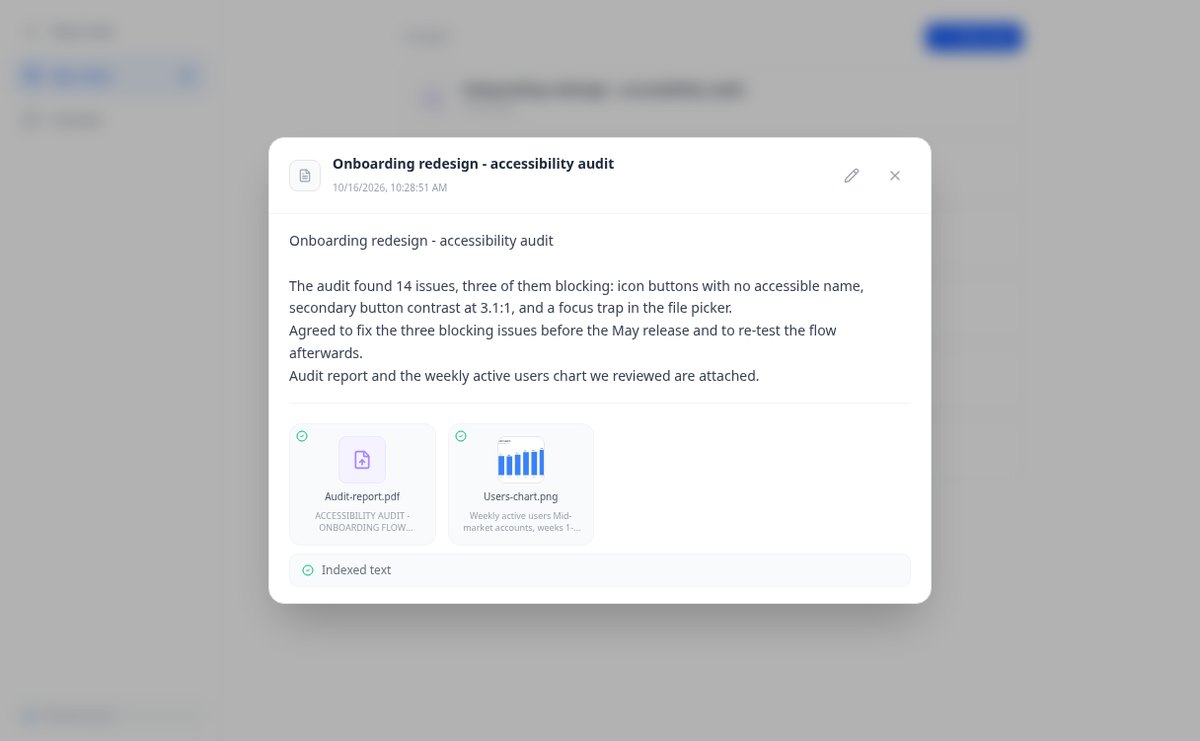
Attach multiple PDFs, PNG, JPG, WebP, or GIF to each note —up to 25 MB— by dragging them into the editor, and later query their content via chat. Free at AIsToHire.
View feature
Notes that index themselves with Gemini embeddings | AiNotes
AiNotes breaks down each note and attachment and converts them into vectors with gemini-embedding-001 upon saving, allowing for meaning-based searches and chat inquiries. Free at AIsToHire.
View feature
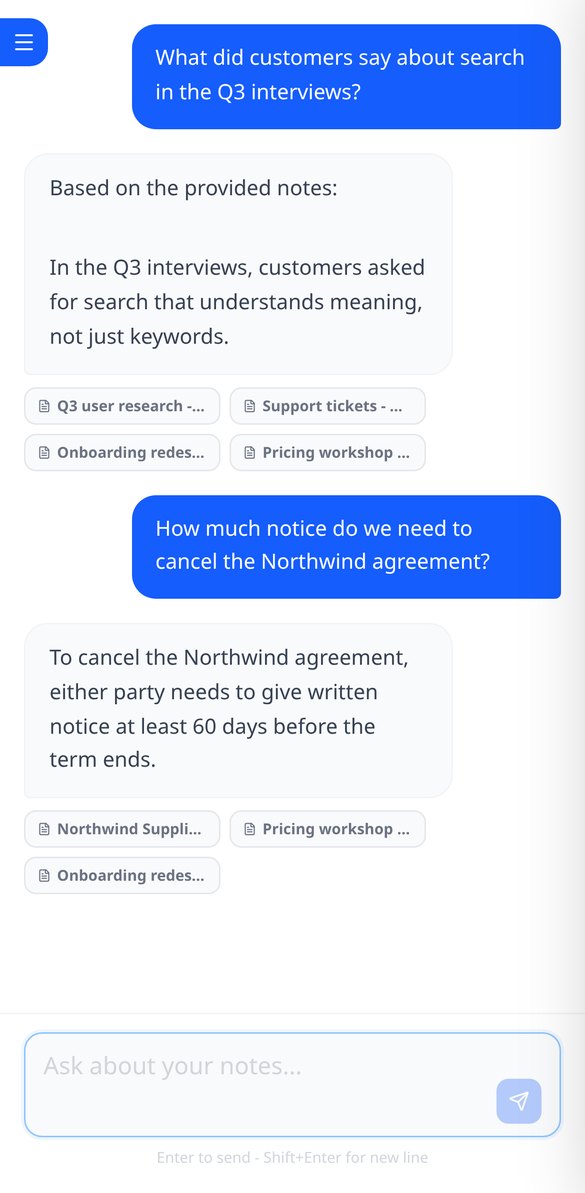
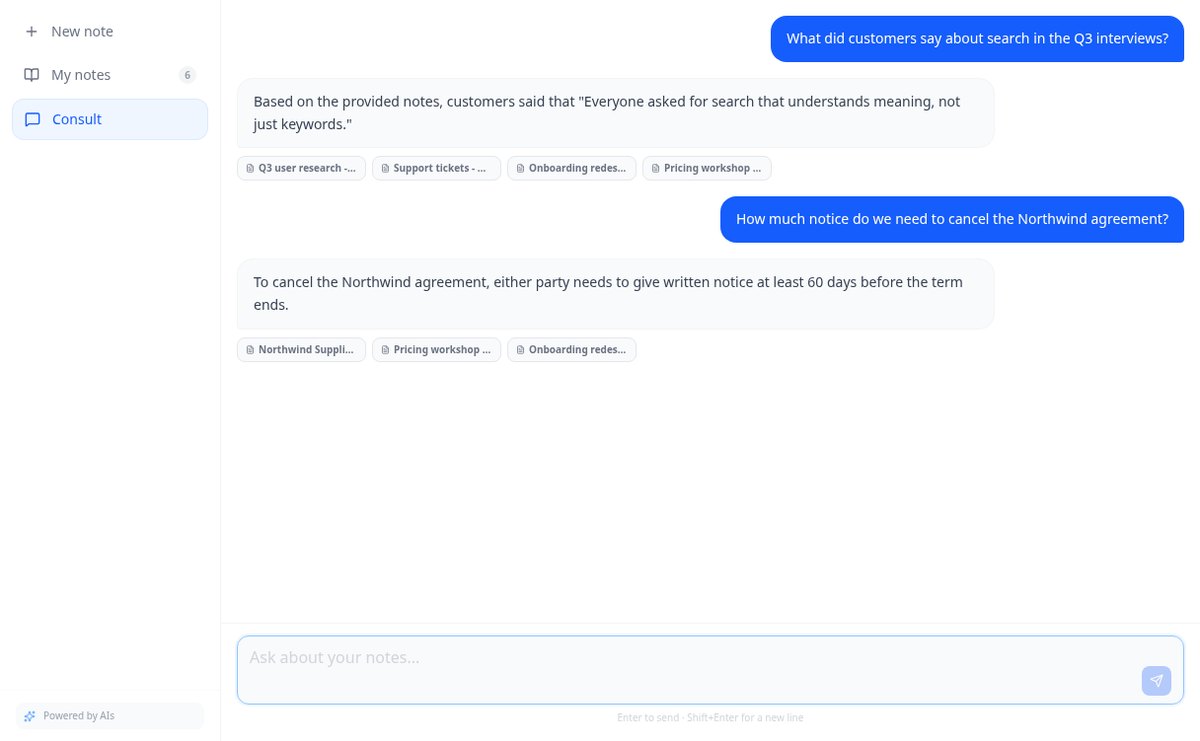
Chat that answers with your notes and cites the source | AiNotes
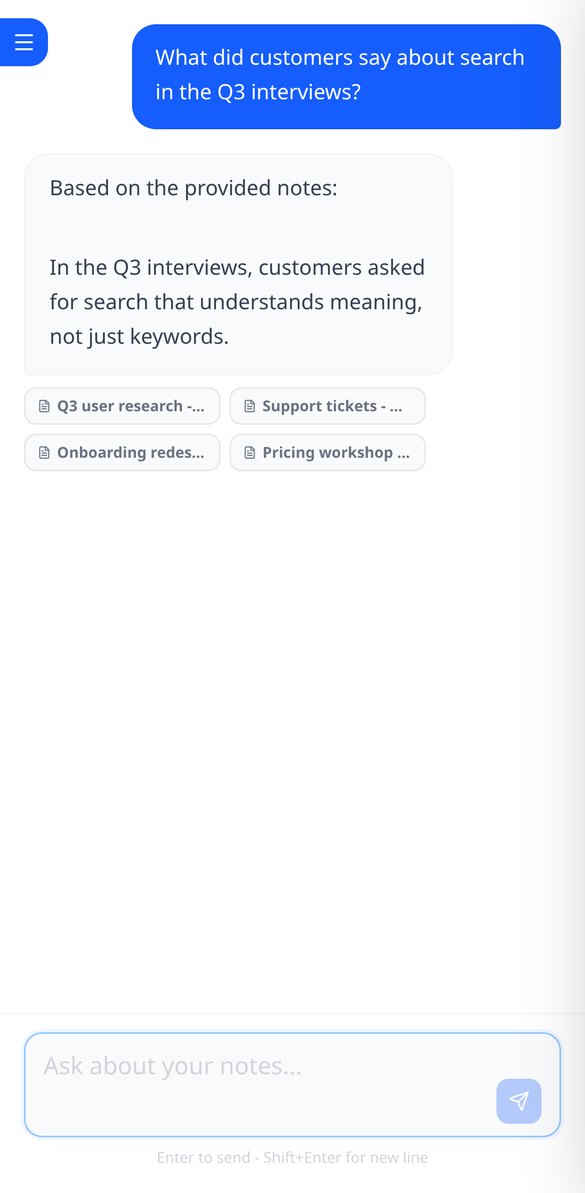
Ask your notes and PDFs: AiNotes searches for the 5 most relevant snippets, responds only with them, and shows the title of each note used. Free at AIsToHire.
View featureNotes that understand what you save
手作業や汎用のチャットで作ったプランでうまくいかない点を、それぞれの機能が解決します。

Notes and documents in the same note
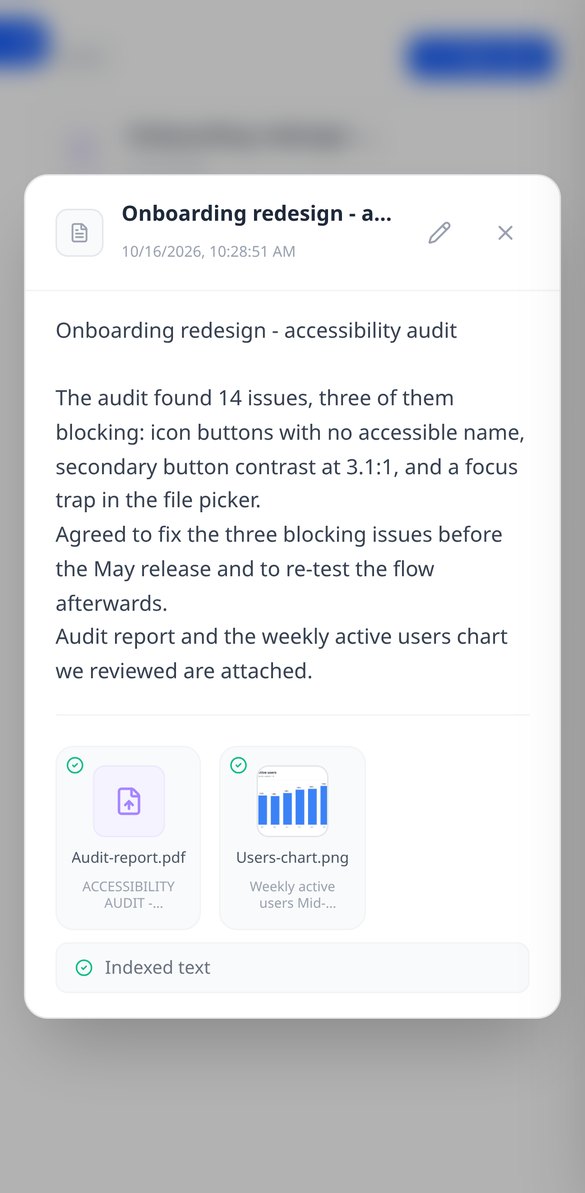
Write the note and attach PDFs or images (PNG, JPG, WebP, and GIF) by dragging them, up to 25 MB per note. Everything stays together, with preview and download.
AI reads every note and every file
When you save, AiNotes automatically splits and indexes the content. You see the status of each item (processing, ready, or error) and can retry the one that fails.

Chat that answers by citing your notes
Ask in your own words and the assistant responds using only your content, showing the notes it got the information from. If it's not in your notes, it tells you.
Get started in three steps
旅について教えてください
目的地、日付、人数、ペース、予算。すでに宿泊先がある場合は教えてください。毎日の基準になります。
旅程を受け取る
実在の立ち寄り先、確認済みの営業時間、計算された移動を含む日ごとのプランです。休憩や、閉まっていた場合の代替案も含まれます。
調整して、ドシエをダウンロード
アプリで好きなところを変更し、旅程、日ごとの地図、役立つ電話番号、目的地のチェックリストを収めたPDFをダウンロードできます。
Frequently asked questions
Latest blog articles
Guides and news to get more out of it

Is it legal for an AI bot to record and transcribe your meetings? What has changed in 2026
Lawsuits against Otter.ai, the position of the AEPD from January 2026, and a checklist for transcribing meetings with AI without violating the GDPR.
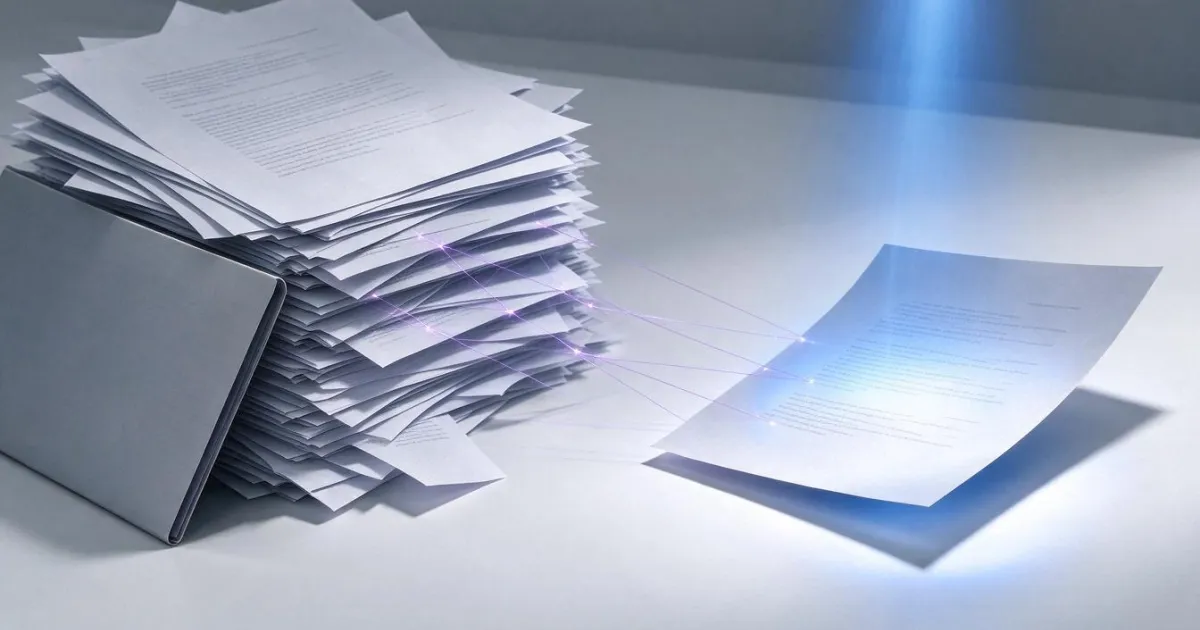
Search for data in your PDFs and notes: why Ctrl+F fails you and what really works
Ctrl+F finds nothing in a scanned PDF because it contains an image, not text. We explain why and how to ask your own notes and PDFs.